
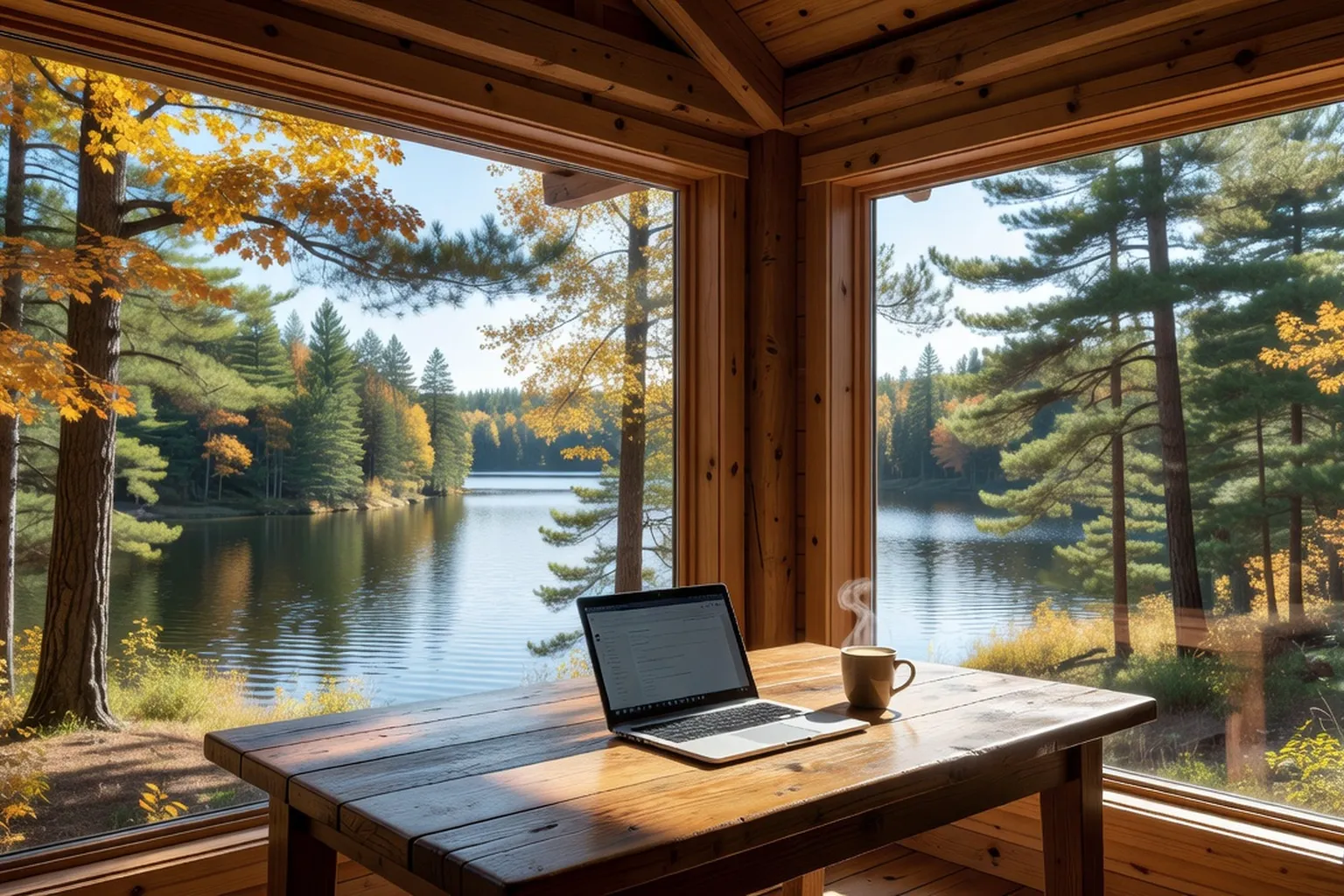
A “workation” means working remotely from a place you are staying in rather than from your usual office, combining structured workdays with evenings and weekends in nature. In Quebec, the chalet is a natural setting for this kind of stay: more living space than a small apartment, quiet, and direct access to trails, lakes or ski runs. But a stay of two to four weeks is not prepared like a weekend away: the quality of the connection, the workstation, the total budget and your employer’s agreement decide the outcome far more than the view of the lake. This guide walks through what to check before booking, without promising figures nobody can guarantee: when an amount or a speed depends on the chalet, the season or the provider, the right method is to ask the owner for it in writing.
Chalet workations: who are they for?
A remote-work stay in a chalet suits people whose job relies on a computer, a stable connection and predictable hours: developers, writers, translators, accountants, consultants, project managers. It suits less well jobs that require frequent in-person meetings, constant access to a heavy corporate network, or immediate availability at unpredictable times.
Three questions settle it quickly. Will your employer (or your clients) accept that you work from a fixed location other than your home for several weeks? Can your work tolerate a connection that is a little slower than in the city, with a backup plan? Are you ready to organize your days so the chalet remains a place of work by day and a place of rest at night? If the answer is yes to all three, the project is realistic.
Timing matters too. Outside peak periods (July and August, the Christmas holidays, the March break), chalets are generally more available and owners more open to discussing a rate for several weeks. For the calendar of seasons and booking lead times, our guide to choosing the right time lays out the trade-offs between weather, price and availability.
Internet: fibre, satellite or cellular, check before you book
The connection is the first selection criterion, before decor and even before price. The CRTC, the federal body that regulates telecommunications, has set a universal service objective of 50 Mbps download and 10 Mbps upload, with an unlimited data option, for fixed residential Internet services. That objective is not met everywhere, however: the gap between cities and rural or remote areas remains wide, and a chalet on a remote lake may well be out of reach of fibre or cable.
Depending on the location, you will meet one of these situations in practice:
- Fibre or cable: where they are deployed, they offer the most stable speeds and the lowest latency. This is the ideal situation for daily video calls.
- Low-orbit satellite Internet (Starlink): an increasingly common solution in isolated areas. Starlink states that advertised speeds are maximum speeds, not guaranteed, and may drop during congestion. Independent measurements published for Canada generally put latency at around 25 to 60 ms. Above all, trees and other obstructions can reduce or interrupt the signal: the dish needs a clear view of the sky.
- Cellular network (4G or 5G): usable as a main or backup connection, provided you check actual coverage at the chalet’s address rather than on a general map.
Before booking, ask the owner precise questions: what type of connection, which plan, which provider, is there a data cap? Ask for a screenshot of a recent speed test (download, upload and latency) and, if possible, a test at the time of day you will be working. Upload matters as much as download: it determines your picture quality on video calls and how fast you can send files.
Finally, plan for a backup, because outages happen, especially in winter storms or power cuts: a cellular hotspot on your phone, a spare data plan, and ideally a small UPS to keep the router running through a brief outage. For chalets reachable without a car, equipment logistics matter too: our guide to car-free access by public transit from Montreal explains how to organize the trip with computer gear.
Setting up an ergonomic workspace in a chalet
A chalet is designed for holidays: the dining table, the sofa and the kitchen counter are rarely suited to eight hours of work a day. A few common office-ergonomics benchmarks improve the situation noticeably without costly equipment: the screen sits in front of you with its top roughly at eye level; forearms rest at a right angle on the work surface; feet are flat on the floor or on a footrest; the back is supported. A dining table is often around 75 cm high, which suits many people with an adjustable chair or a seat cushion.
Plan to bring the essentials yourself: a laptop stand with an external keyboard and mouse, a headset with a microphone, a surge-protected power strip, and if needed a small lumbar cushion. If the stay exceeds two weeks, asking the owner for a real desk or a stable table with a work chair is reasonable, especially if you book off-season.
Choose the workstation location according to light: a table perpendicular to the window limits screen glare, and natural light reduces eye strain. Also check for nearby outlets, table stability (some mechanical keyboards resonate on solid wood) and noise: a poorly insulated chalet carries sound from one floor to the next during your calls.
As for obligations, it is the employer’s responsibility to protect workers’ health and safety, including when they work remotely; the CNESST publishes tools and recommendations on the subject. It does not impose a single formula: the details (workstation assessment, photos of the workstation, equipment provided) are settled with your employer. It is therefore prudent to tell your employer where you will be staying and to agree in writing on the equipment you will have.
Establishing an effective routine away from the office
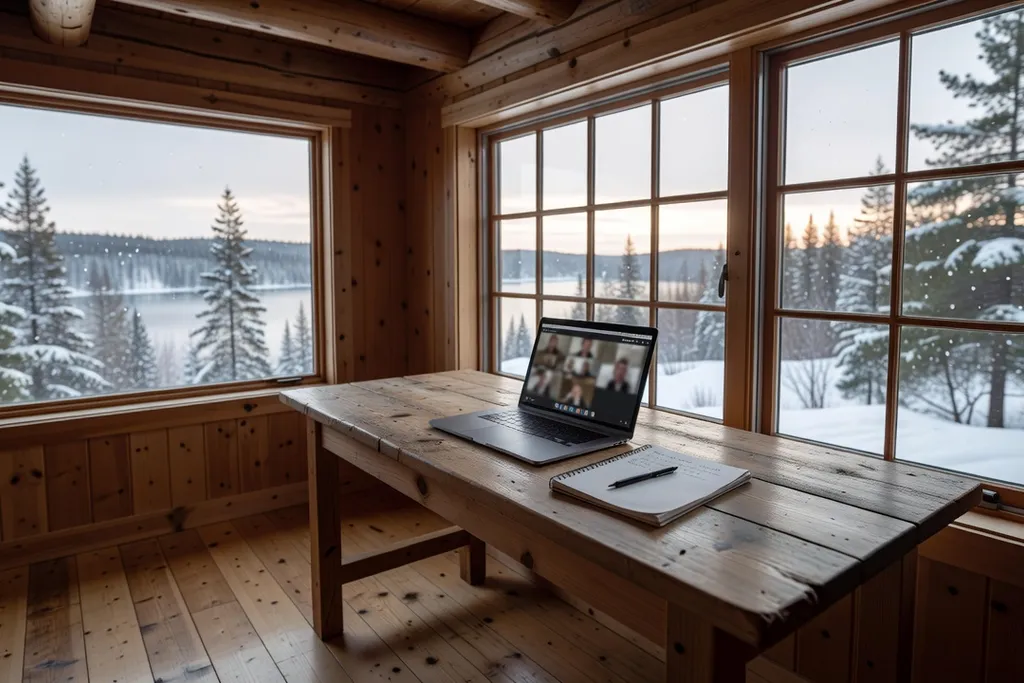
The workation trap is working all the time because the desk is three steps from the bed, or not working enough because the lake is tempting. A clear routine solves both problems.
- Set start and end times, close to those of your usual day, especially if your colleagues are in the Eastern time zone.
- Keep concentration tasks for the morning, when the house is quiet, and save calls and lighter tasks for the afternoon.
- Plan an outing before or after work: a walk, snowshoeing, cross-country skiing, cycling or canoeing depending on the season. It replaces the commute and marks the boundary between the two parts of the day.
- Plan your meals: the nearest grocery store may be tens of minutes away by road. One big order at the start of the stay and a basic menu save hours.
- Keep a separate place to rest: if possible, do not work in the living room where you spend the evening.
Also consider time-zone needs if clients or colleagues are elsewhere: an 8 a.m. Eastern call can land very early or very late depending on where the other party is, and the quiet of the chalet changes nothing about those constraints.
Comparing the cost of a long stay with urban housing
It is tempting to compare a monthly chalet rate with a city condo rent, but the comparison only makes sense if every cost item is added up. Rather than showing an average figure that would vary by region, season and chalet size, here is the method to get your own.
| Cost item | Chalet (2 to 4 week stay) | City housing |
|---|---|---|
| Accommodation | Nightly or weekly rate, often negotiable off-season | Monthly rent or furnished rental |
| Lodging tax | Generally 3.5% for a stay of 31 nights or fewer, in a participating tourist region | Does not apply to a residential lease |
| End-of-stay cleaning | Often billed extra | Rarely billed |
| Electricity, heating, firewood | Sometimes included, sometimes billed extra: ask | Depends on the lease |
| Snow removal and parking | To be clarified, especially in winter | Depends on the building |
| Travel | A car is almost essential, fuel | Public transit possible |
| Groceries and meals | One large initial order, fewer restaurants | More restaurants and deliveries |
A multi-bedroom chalet often costs more per week than a small city apartment, but it can meet a different need: room to work and live with several people, or a real break. Owners sometimes agree to lower the rate for a stay of several weeks off-season: ask directly and request the final all-in price, taxes and cleaning included. Our guide to the real cost of a chalet stay details the fees added to the listed rate. To explore other long-stay options across Canada beyond the Quebec chalet, voyage-canada.com lists complementary ideas by province.
A stay of more than 31 nights falls outside the tourist accommodation framework: it then becomes a longer-term rental arrangement with its own rules. If your project runs beyond a month, clarify the nature of the contract with the owner in writing.
Which Quebec regions suit extended remote work?
There is no single “best region” for remote work: connection quality varies from one road to the next, sometimes from one lake to the next. The main resort regions do offer different profiles, however.
The Laurentians, roughly an hour to an hour and a half by road from Montreal for the closest areas, offer many chalets, plenty of services and good infrastructure: our guide to Laurentians chalets details the sectors. The Eastern Townships combine rolling valleys, villages and quick access to Montreal; our Eastern Townships and Laurentians comparison helps you choose. Charlevoix and the Bas-Saint-Laurent appeal for their river views, but trips are longer and services more spread out: the connection needs more careful checking. Finally, the Outaouais and Mauricie offer large areas of lakes and forest, with well-served sectors near towns and others very isolated.
In every case the rule is the same: connection quality is checked at the chalet’s exact address, not at the scale of a region.
Balancing work and outdoor activities
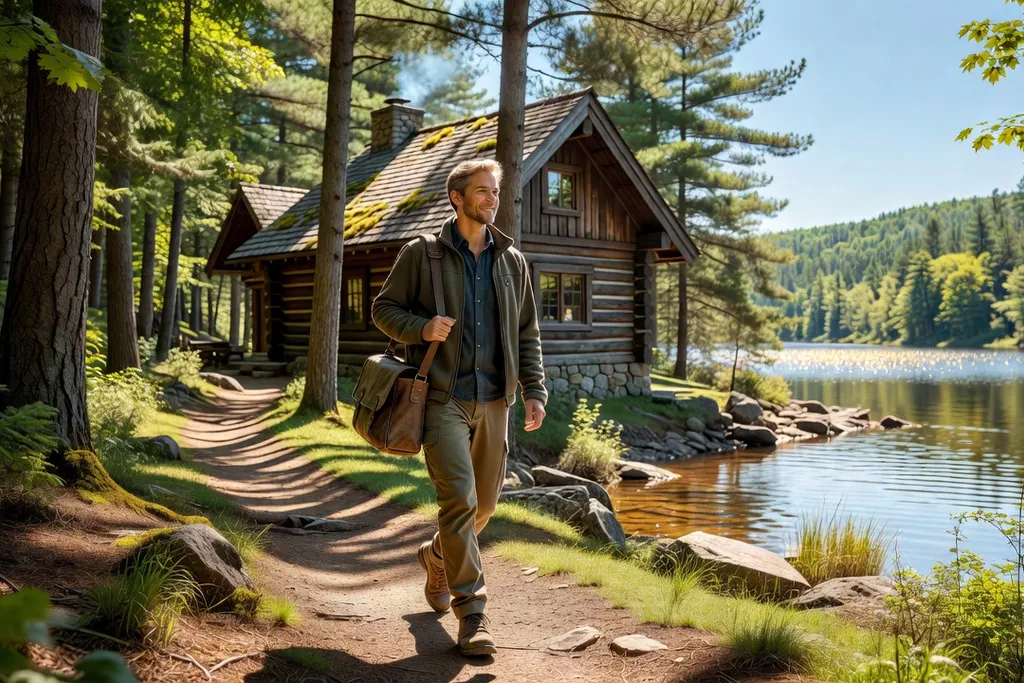
The main advantage of a chalet is the immediate proximity of nature: just walking outdoors for twenty minutes between two blocks of work changes the quality of a day. A few principles help you enjoy it without disrupting your work.
Place outings at the times that matter least for your calendar: the lunch break, late afternoon, or early morning. In winter daylight disappears early: a lunchtime outing is often the only one that gets daylight. Keep clothing and equipment near the door to reduce friction. Off maintained trails, stay cautious: a charged phone, someone who knows your route, and an eye on the weather.
The setting matters too: a stay by the water, like those in our guide to lakefront chalets in Quebec, makes short breaks easier and helps you wind down after calls. Several owners provide equipment (snowshoes, canoe, kayak, bikes) or give access to private trails: ask what is included before booking.
What to negotiate with your employer before leaving
Before departure, a frank discussion with your employer avoids unpleasant surprises. The points to cover:
- Work location: give the exact address of the chalet and the length of the stay.
- Hours and availability: mandatory meeting windows, time zone, expected response time.
- Connection: minimum speed required by the company, VPN access, data-security rules (avoid public networks, enable two-factor authentication).
- Equipment: laptop provided, insurance for transported equipment, support in case of breakdown.
- Health and safety: the employer must protect its workers, including when working remotely; agree on what applies to a temporary workstation.
- Maximum duration and the procedure for returning to the office if working from the chalet does not work out.
Put the agreement in writing, even by email. On the chalet side, tell the owner that you will be working on site and that professional use is planned (video calls, additional equipment): some rental contracts address it. Our interview with a property manager offers useful insight for a long stay managed remotely. For an example of remote mountain work in France, feedback published on chaletliotard.fr shows similarities in connection and ergonomic requirements.
Booking checklist for a remote-work stay
- Connection type, provider, plan and latest speed test (download, upload, latency) requested from the owner.
- Satellite dish with a clear view, or cellular coverage checked at the chalet’s exact address.
- Table and chair suited to several hours of work, outlets nearby, decent lighting.
- Electricity and heating: included or billed? Backup heating in case of an outage?
- Cleaning, snow removal and parking: who handles them, and at what price?
- Written contract stating the duration, the all-in price, the cancellation policy and professional use.
- Written agreement from the employer on location and duration.
- Backup plan: cellular hotspot, spare data plan, UPS.
FAQ: chalet remote work
What speed do you need to work remotely from a chalet? For regular video calls, around 25 to 50 Mbps download and at least 10 Mbps upload are reasonable benchmarks; the CRTC’s universal service objective is 50 Mbps download and 10 Mbps upload. Latency matters too.
Can you rely on Starlink? It is often a good solution where fibre does not exist, but Starlink states that advertised speeds are maximums, not guaranteed, and that obstructions such as trees can disrupt the signal. Ask for a recent speed test and check the dish’s clearance.
Does a chalet cost more than city housing? It depends on the region, the season and the chalet size. Add up every cost item (accommodation, tax, cleaning, electricity, travel) rather than comparing two listed rates.
What length of stay should you choose? Two to four weeks is a common length: long enough to set up a routine and negotiate a rate, short enough to keep the budget and logistics manageable.
Should you tell your employer? Yes. Agree in writing on the location, duration, hours and equipment before booking.